Communication · Mobile · 2026

Talksy

Connect. Chat. Call.

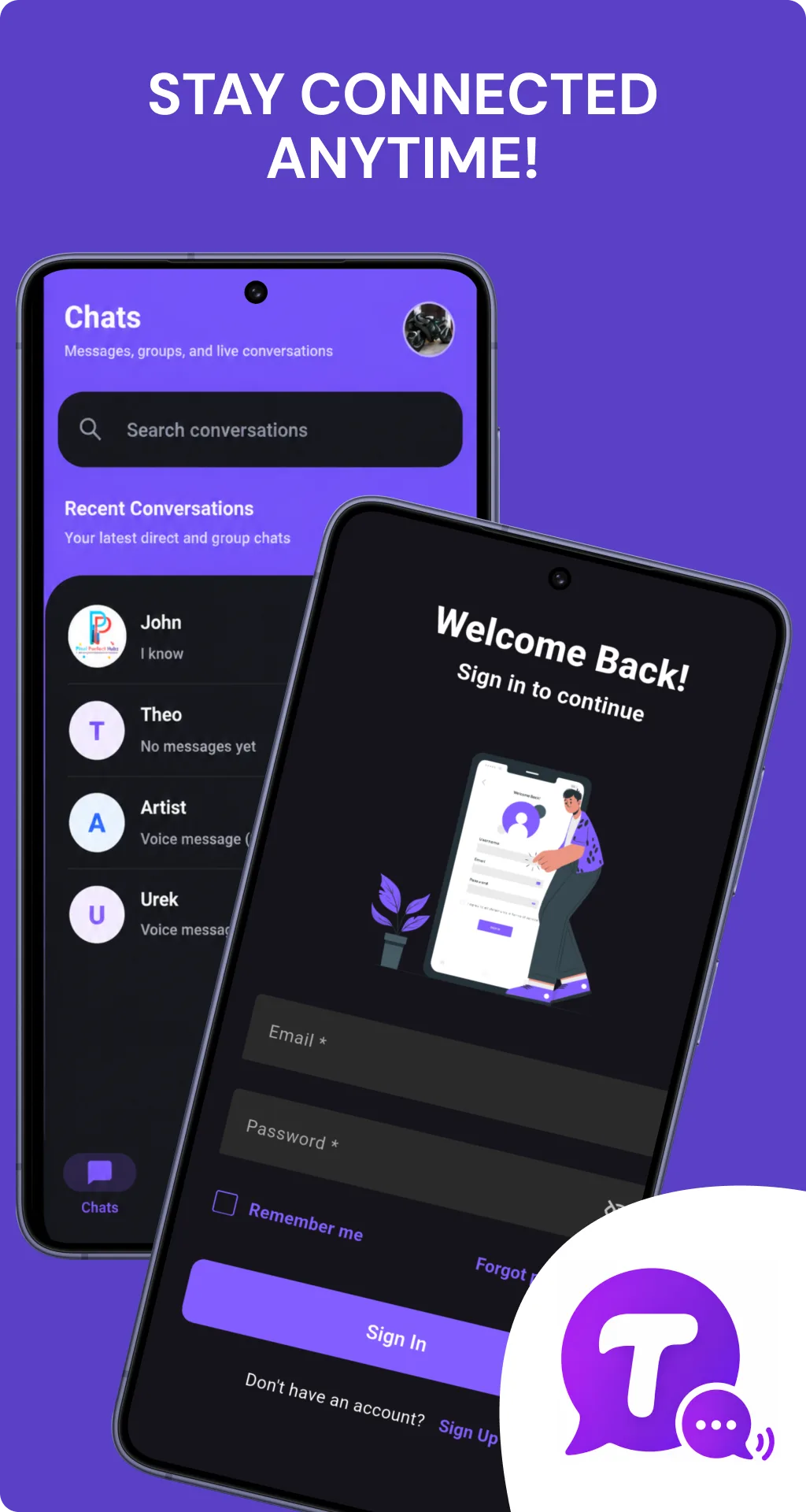
A messaging app that does chat and calling well — one-to-one and group conversations, HD voice and video calls, presence, and a clean dark-first interface — built end to end in Flutter on Firebase for one codebase across iOS and Android.

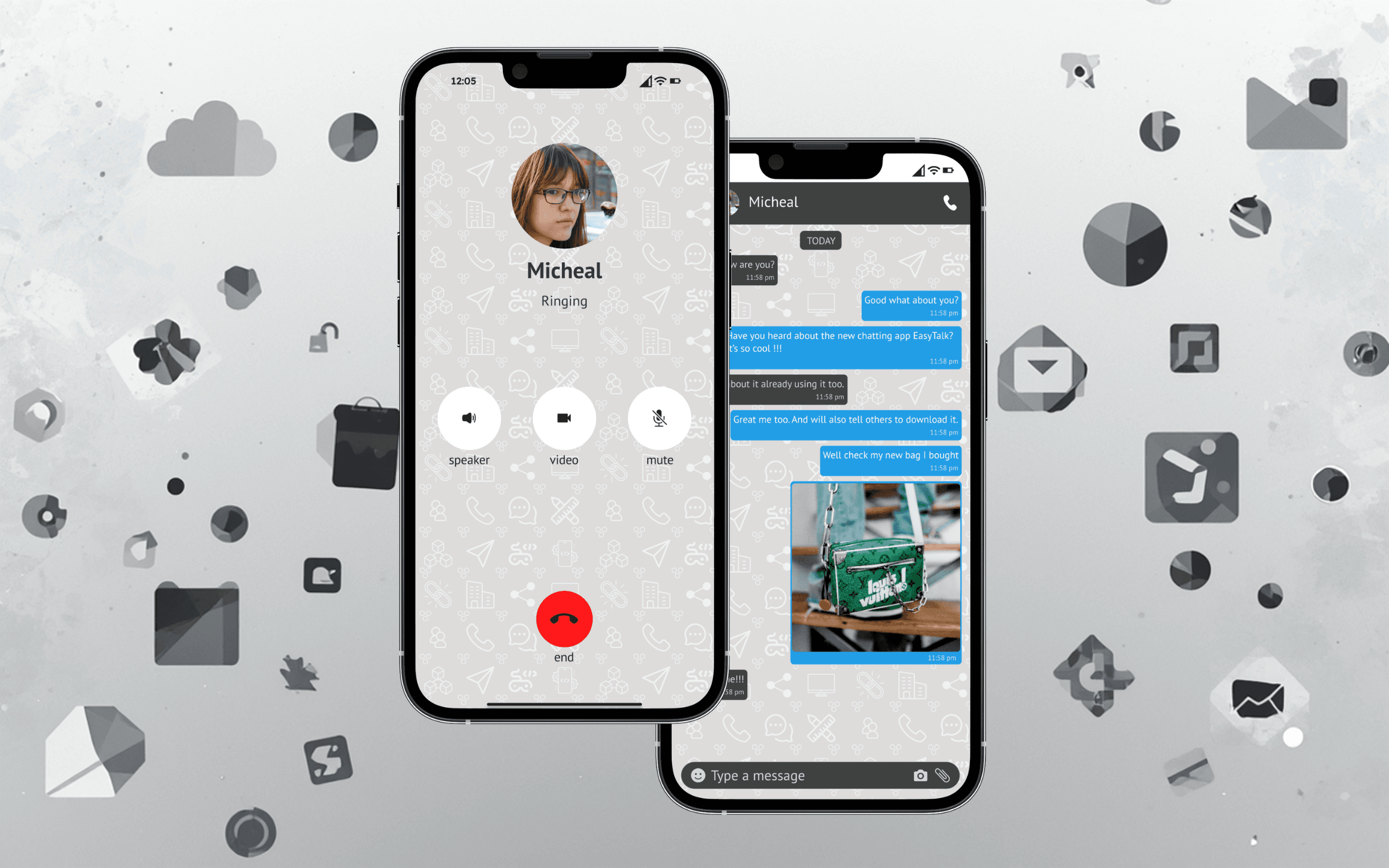
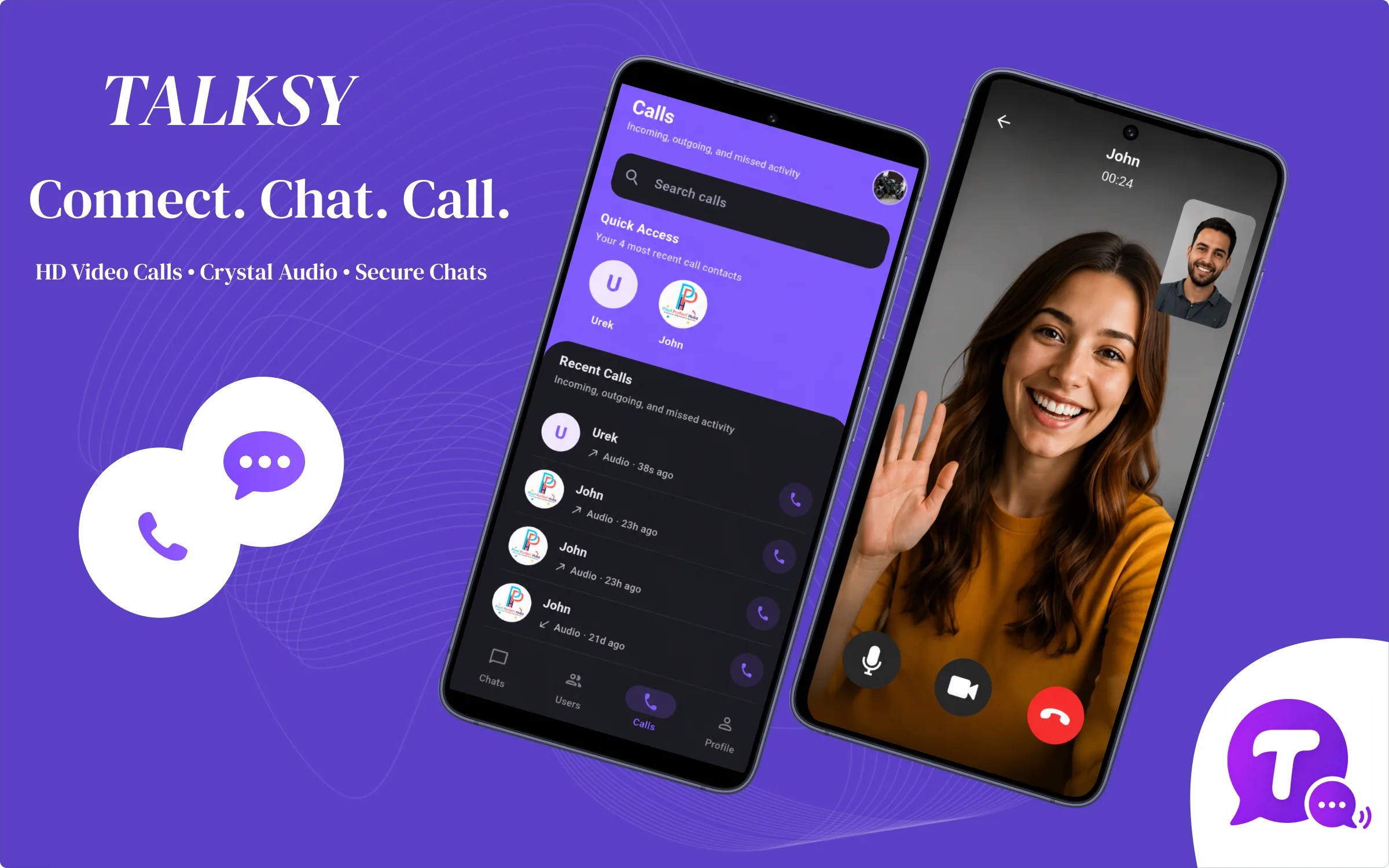
Talksy messaging app: calls list and HD video call screens — connect, chat, and call
Shipped in 2026
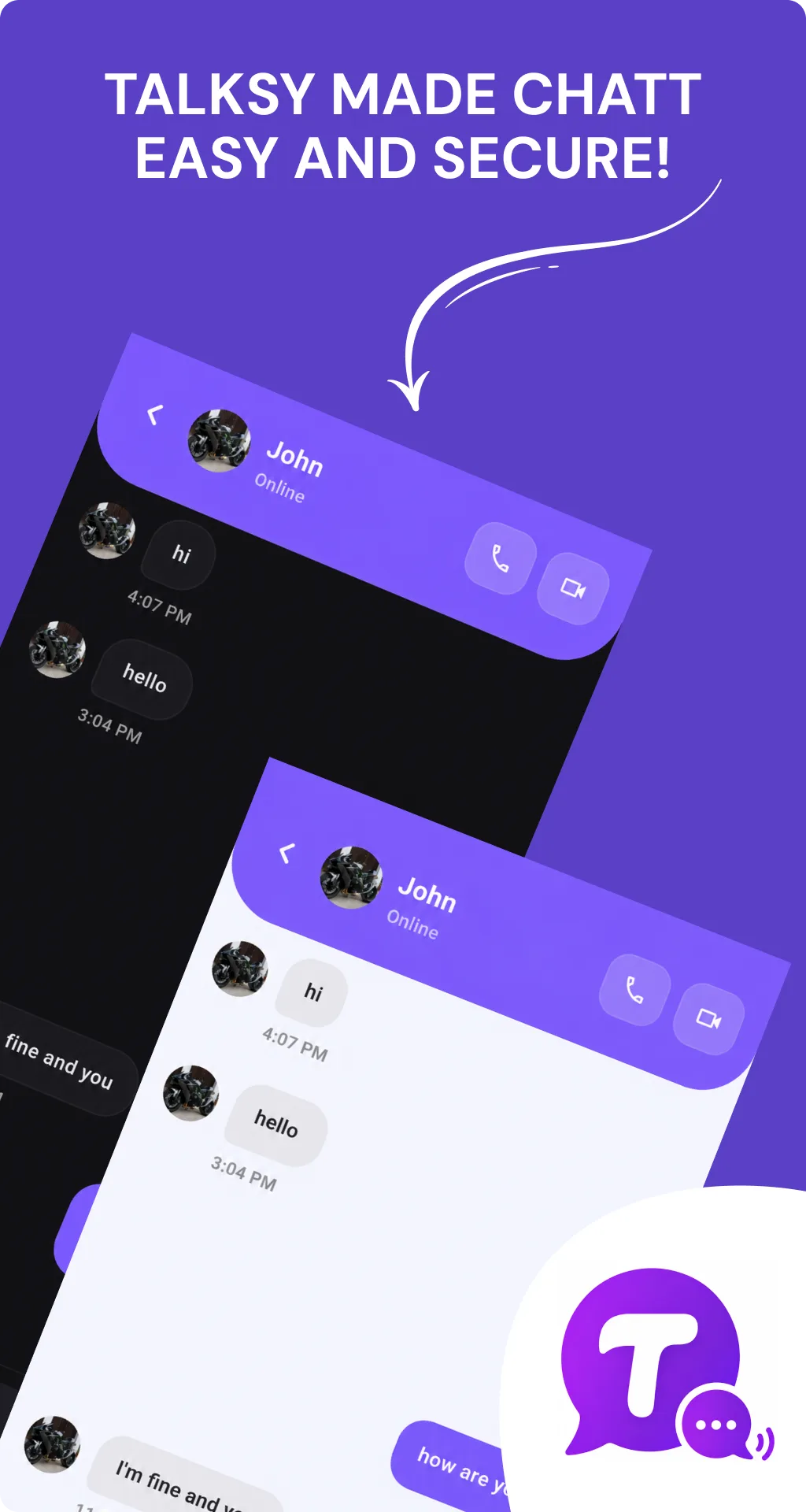
Talksy messaging app: one-to-one chat thread with online presence and call buttons, in light and dark themes
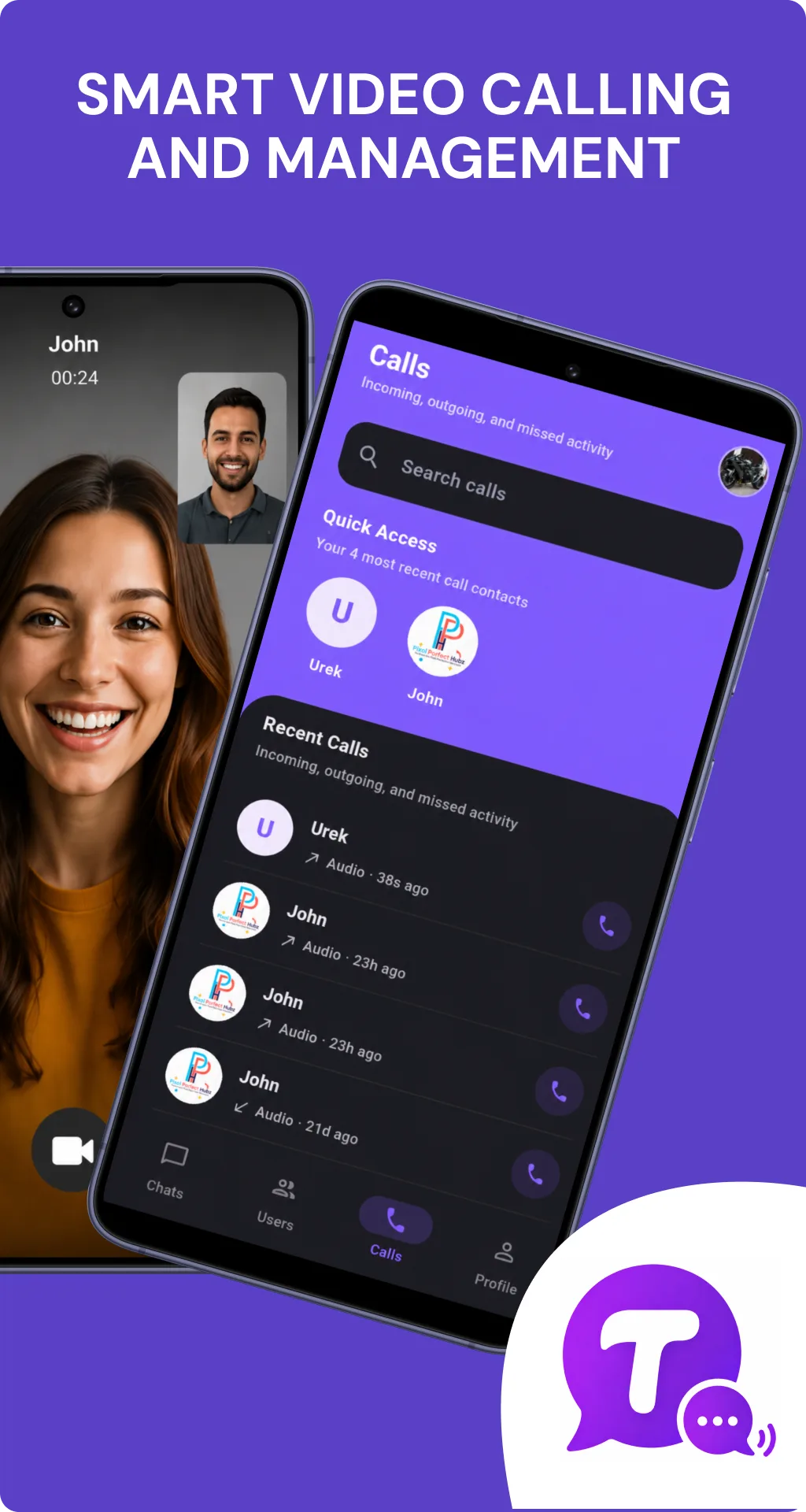
Talksy messaging app: HD video call and the Calls tab with quick access and recent call activity
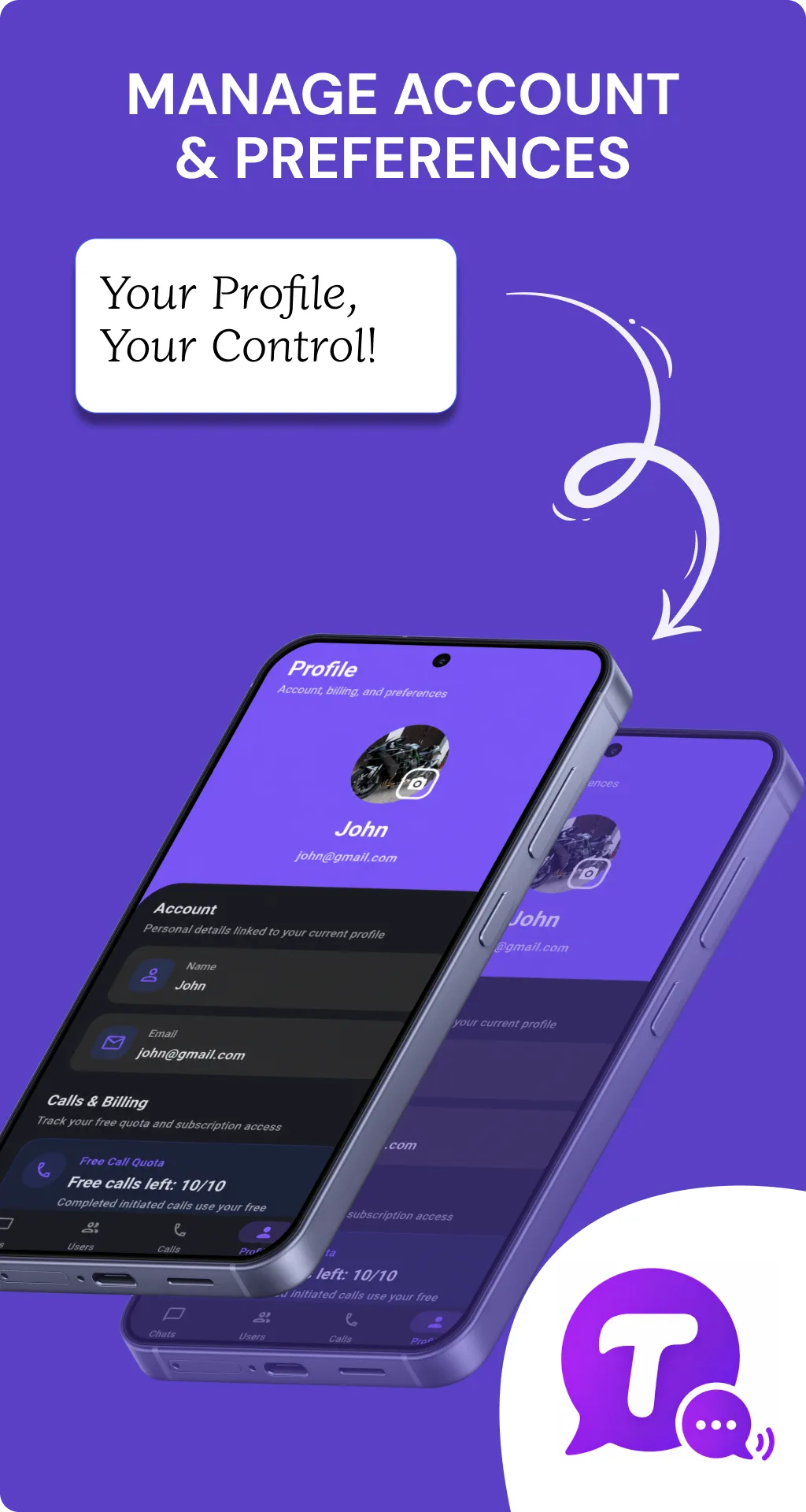
Talksy messaging app: profile screen with account details, preferences, and free-call quota
Talksy messaging app: chats list with recent direct and group conversations, and the sign-in screen

Chat · Voice · Video

Modes

iOS · Android

Platforms

2026

Shipped

Connect. Chat. Call.

The story

How it came together.

Problem

Chat apps are easy to start and hard to finish. The moment you add live voice and video, presence, and reliable delivery on patchy networks, the product gets complicated fast — and most apps either ship a thin chat layer or a clumsy calling experience bolted on top.
Approach

Flutter for a single codebase across iOS and Android, Firebase for auth, realtime message state, and presence. We designed the product surfaces first — chats with direct and group threads, a dedicated Calls tab with recent activity and quick-access contacts, profile and account management — then layered HD voice and video calling on top so the calling experience feels native, not bolted on.

Outcome

One app for messaging and calling: fast one-to-one and group chat, HD voice and video calls, live presence, and account management with a clear calling quota. Live across iOS and Android from a single Flutter codebase, with light and dark themes.

What people said

Product Reviews.

Honest takes from people who actually use the product.

Elena V.

Remote team lead

We moved our standups to Talksy's video calls. HD holds up even when two people are on hotel WiFi, and switching from a group chat to a call is one tap. That handoff is where most chat apps fall apart.

Bilal R.

Daily user

Chat and calling in one app that doesn't feel bloated. The Calls tab with quick-access contacts means I'm not digging through threads to ring someone back.

Grace T.

Designer

Dark mode by default, clean layout, presence that's actually accurate. Voice messages and the group chats are the parts my friend group uses most.

Omar S.

Audio call latency is genuinely low. I use it for hour-long calls with family overseas and it doesn't drop or drift.

Hannah K.

Early tester

The profile screen showing my free-call quota is a small touch that builds trust — I always know where I stand. The whole app feels considered, not thrown together.

More work

Keep exploring.

All projects

Start a conversation

Tell us what you’re building.

Share the essentials and we’ll reply within 4 hours with a real next step, not an auto-responder.

What happens next

  1. We reply within 4 hours, from a real person, not an auto-responder.
  2. A short scoping call to understand the goal, constraints, and timeline.
  3. A fixed-scope discovery sprint: a working prototype and a written estimate.
Office
Austin, TX, United States
Hours
Mon–Fri · Async + scheduled calls

Fields marked are required.