
AI Automation That Runs Operations
Systems that decide, not just trigger.

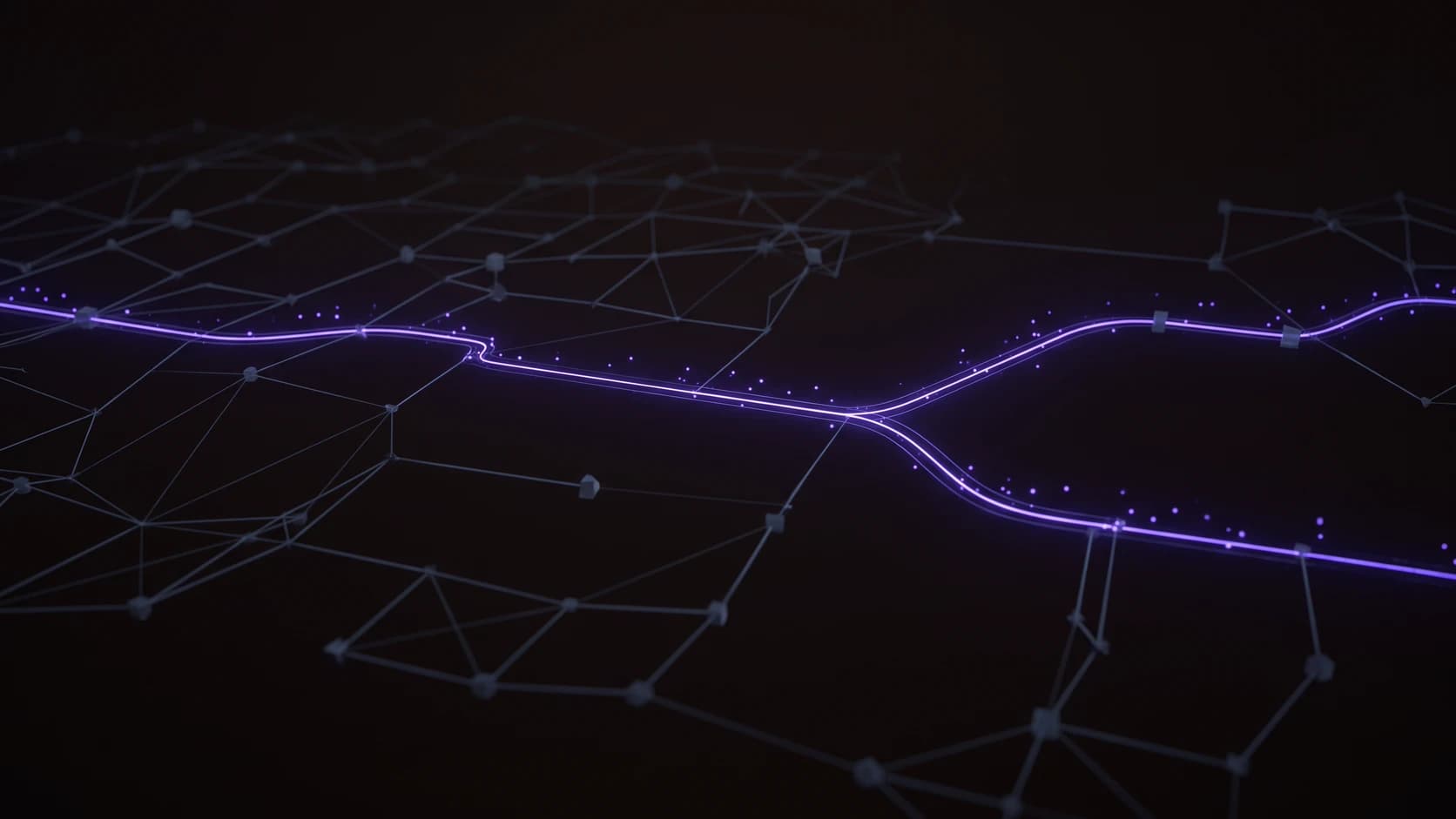
AI automation by IrenicTech: a single violet path lit through a dark network of dormant connections, branching once, representing an orchestrated workflow choosing its next step
  • n8n
  • Make
  • Zapier
  • HubSpot
  • Airtable
  • ClickUp
  • Twilio
  • ElevenLabs
  • LangGraph
  • CrewAI
  • Anthropic
  • OpenAI
  • Google Gemini
  • Supabase
  • PostgreSQL
  • Google Sheets
  • n8n
  • Make
  • Zapier
  • HubSpot
  • Airtable
  • ClickUp
  • Twilio
  • ElevenLabs
  • LangGraph
  • CrewAI
  • Anthropic
  • OpenAI
  • Google Gemini
  • Supabase
  • PostgreSQL
  • Google Sheets

IrenicTech AI automation at a glance

250+

automations shipped for clients

Orchestration decides. A trigger only fires.

Most business automation is a chain of triggers: a form submits, a webhook fires, a row is appended to a sheet. Each step runs whether or not it should, because a trigger has no way to read the situation it is firing into. It cannot tell a qualified lead from a spam submission, or a confirmed booking from a no-show, so the workflow either runs blind or a person has to sit in the loop watching for the cases it cannot handle.

We build the layer above the trigger: agents that read context (what channel the contact came in on, what they said, whether they showed up) and decide the next step from a set of real options, not a single fixed path. That means voice, chat, and form intake routed into one pipeline, branching logic that changes based on outcome, and a CRM and calendar that reflect what actually happened, not what a script assumed would happen. Built for UAE and MENA companies from our Sharjah base.

The teams we work with do not want another Zapier chain that breaks on the first edge case. They want a system that keeps deciding correctly after the tenth one.

Productized engagements

Fixed-scope automation sprints. Buyable, not negotiable.

Time-boxed, fixed-price, wired into the CRM and calendar you already run. Pick the shape that matches the process you are scoping.

  • For sales teams

    Intake Automation Sprint

    Voice, chat, and form leads, routed and qualified on arrival.

    • Unified intake pipeline across voice, chat, and web forms
    • Agent-scored qualification wired straight into your CRM
    • Branching follow-up that changes with reply and outcome
    Book a discovery call
  • For operations

    Scheduling & Booking Sprint

    Calendar automation that adapts to what actually happens.

    • Booking, confirmation, and reminder flows across the funnel
    • No-show and reschedule handling branches automatically
    • Calendar and CRM kept in sync without manual reconciliation
    Book a discovery call
  • For founders

    Workflow Orchestration Sprint

    Replace a brittle trigger chain with a system that decides.

    • Audit of the existing trigger-based automation and its failure modes
    • Orchestration layer built on the tools your team already runs
    • Handover with runbooks and a plan for the next process to automate
    Book a discovery call

Our automation deliverables

  • Voice AI agents

    Inbound and outbound voice agents that handle calls, qualify callers, and write the outcome back to the CRM without a human relaying notes after the fact.

  • Chat & form intake

    Chat and web-form agents that read the message, decide the right next step, and hand off to a human only for the cases that genuinely need one.

  • CRM & calendar automation

    Booking, confirmation, reminder, and reschedule flows that keep your CRM and calendar accurate, including branches for no-shows and cancellations.

  • Workflow orchestration

    Multi-step business processes built on n8n, Temporal, or a custom orchestration layer, with decisions made by agents reading context, not fixed if-then rules.

  • Multi-agent systems

    CrewAI and custom agent teams that split a process across specialised agents, each responsible for one decision, coordinated by a supervising workflow.

  • GoHighLevel & CRM integration

    Automations built directly into GoHighLevel and the CRM tools your sales and support teams already log into, so nothing lives in a separate dashboard.

Trigger chains vs orchestration

Why most automation breaks at the first edge case.

Two ways to automate a process. One keeps deciding correctly as reality gets messier. The other stops at the first case it was not built for.

The default pattern

Trigger-based chains

A sequence of if-this-then-that steps wired between your tools. Works for the case it was built for, breaks or stalls on the case it was not.

  • Fixed if-this-then-that steps; the first case the chain builder did not anticipate breaks the flow silently.
  • No memory of what already happened; a no-show and a reschedule run the same downstream steps.
  • One channel at a time; voice, chat, and form intake live in separate chains that drift out of sync.
  • Edge cases route to a human by default, so the automation only saves time on the easy path.
  • Failures surface as a support ticket days later, once a customer notices the follow-up never came.
  • Every new exception means another branch bolted onto an already-tangled chain.

How we ship

IrenicTech orchestration

Agents that read context and decide the next step from real options, built into the CRM, calendar, and voice tools you already run.

  • Agents read context (channel, message content, prior outcome) and choose the next step from real options, not a fixed path.
  • Outcome is tracked across the whole pipeline, so a no-show and a reschedule branch differently from the same trigger.
  • Voice, chat, and form intake feed one orchestration layer, so the CRM and calendar reflect one consistent picture.
  • Edge cases are handled by the agent where the decision is bounded, and escalated with full context where it is not.
  • Failures are caught at the workflow level with monitoring, not discovered by a customer days later.
  • New exceptions are handled by extending what the agent decides on, not by bolting on another branch.

The stack we build on

Layers, not a logo wall.

Automation is mostly integration, so the useful way to describe it is by layer: what routes, what talks, what decides, what remembers. If your team already runs one of these tools, that is the one we build on rather than a migration nobody asked for.

Orchestration
n8nMakeZapierActivepiecesPipedream
CRM and pipeline
GoHighLevelHubSpotMondayAirtableClickUp
Voice agents
VapiRetellBlandElevenLabsTelnyxTwilio
Agent frameworks
LangGraphClaude Agent SDKOpenAI Agents SDKCrewAIMCP
Models
AnthropicOpenAIGemini
Evals and observability
LangSmithLangfuseBraintrust
Data and retrieval
SupabasePostgresPineconeGoogle Sheets

Published systems

We publish the architecture, not a summary of it.

Each system here is a delivered engagement, opened up: every intake channel, every branch, and the condition that fires it. Throw a switch on the teardown and the diagram redraws to the path that actually runs. Client names and measured figures are withheld because they were never released for publication. The decision logic is not.

Voice of the customer

Automation clients, on the record.

Quoted verbatim from clients who left them publicly. We have each reviewer’s word but not a name release, so attribution is by engagement and country rather than by person.

  • This is probably the sixth project we've worked with Mohsin and his team on. We will continue using them for automation projects whenever they come up.
    AI automation · United States
  • Great experience working together. They quickly understood the business and made practical changes that have noticeably improved efficiency and saved time across our processes. Communication was easy, turnaround was quick, and the quality of work was spot on. Would definitely work with them again.
    AI automation · United Kingdom
  • Working with this team is exceptional. They always live up to their promises, and their product is always bug-free and fully operational.
    AI automation · United States

How we ship automation.

Six steps from the first call to a system your team runs without us. The branch map is the contract: it is agreed before anything is built, and it is what the finished system is measured against.

  1. 01

    Process audit

    We sit with the people who run the process today and map what actually happens, including the exceptions they quietly handle by hand. The output is the real workflow, not the one on the org chart.

  2. 02

    Branch map

    Every decision point written down with the condition that fires it: which channel it arrived on, what the reply was, what the outcome turned out to be. This is the artefact the build gets checked against.

  3. 03

    Intake build

    The ways in: voice agent, chat, web form. Each one normalised into the same record with its source captured, so nothing downstream has to re-derive where a contact came from.

  4. 04

    Orchestration and integrations

    The layer that decides. Routing, branching, and writes into the CRM, calendar, and messaging tools your team already logs into, with the failure paths built at the same time as the happy path.

  5. 05

    Pilot with monitoring

    The system runs on live traffic with alerting on every step and a person watching the queue. Cases it should not have decided alone get promoted into the branch map instead of patched in place.

  6. 06

    Handover

    Runbooks, the branch map, and access to the workflows themselves, in your accounts. If you never call us again the system keeps running, and your team can change it without us.

Automation that reaches customers carries rules.

An agent that calls a patient, texts a customer, or writes to a clinical record is operating inside somebody else’s regulatory perimeter. We design for that from the first workflow, because retrofitting consent and audit trails into a live system is the expensive way to learn it.

Common questions, answered.

  • How is this different from a Zapier or Make workflow?

    A trigger chain runs a fixed sequence: this fires, then that runs, in the order somebody wired it. It holds until reality produces a case the wiring did not anticipate. What we build sits above that: an agent reads the context of each case, picks the next step from a set of real options, and the workflow branches on what actually happened. We still use Zapier, Make, and n8n where a fixed chain is genuinely the right answer. Most processes worth automating are not that simple.

  • Do you work with the tools we already run?

    That is the default. The automation is built into the CRM, calendar, and phone system your team already logs into, rather than beside them, because a separate dashboard nobody opens is how automation quietly stops being used. If a tool in your stack genuinely cannot do what the process needs, we say so before the build, not after.

  • Can a voice agent handle a real customer call?

    For bounded conversations, yes: confirming an appointment, capturing a request, qualifying an inbound caller, attempting a reschedule. The design question is never whether it can talk. It is what happens when the call goes somewhere the agent should not decide alone. We set that boundary explicitly and hand those calls to a person with the context already attached.

  • What happens when the system hits a case it cannot handle?

    It escalates, with everything it already knows written into the record, and it creates a task somebody has to close. The failure we design against is the silent one, where a workflow stalls and nobody finds out until a customer asks why they never heard back. Monitoring sits at the workflow level, so an unresolved case surfaces as an alert rather than as a complaint.

  • Do we own what you build?

    Yes. The workflows, the prompts, the branch logic, and the credentials are yours, in your accounts. Handover includes runbooks and the branch map, which is the document explaining why each decision point exists. If you never call us again, the system keeps running and your team can change it.

  • How do you scope an engagement?

    A discovery conversation, then a written map of the process as it runs today, exceptions included. That map is what gets scoped, and it is what the finished system is checked against. Anything we cannot see clearly enough to map does not go into the first build.

  • How is pricing structured?

    Price varies with the scope of the process, not with a seat count or a tool licence. The productized sprints on this page are fixed-price for a fixed scope agreed up front. A full orchestration platform, with several intake channels and integrations across multiple systems, is quoted after discovery, once the branch map makes the real surface area visible. We do not quote before we have seen the process.

  • Can we see how one of these systems actually works?

    Yes. The system teardowns on this page publish the architecture of a delivered engagement: every intake channel, every branch, and the condition that fires it. Client names and measured figures are withheld because they were never released for publication. The logic is published in full.

Start a conversation

Tell us what you’re building.

Share the essentials and we’ll reply within 4 hours with a real next step, not an auto-responder.

What happens next

  1. We reply within 4 hours, from a real person, not an auto-responder.
  2. A short scoping call to understand the goal, constraints, and timeline.
  3. A fixed-scope discovery sprint: a working prototype and a written estimate.
Office
Sharjah, United Arab Emirates
Hours
Sun–Thu · 9am–6pm GST

Fields marked are required. By sending you agree to our Privacy Policy.